


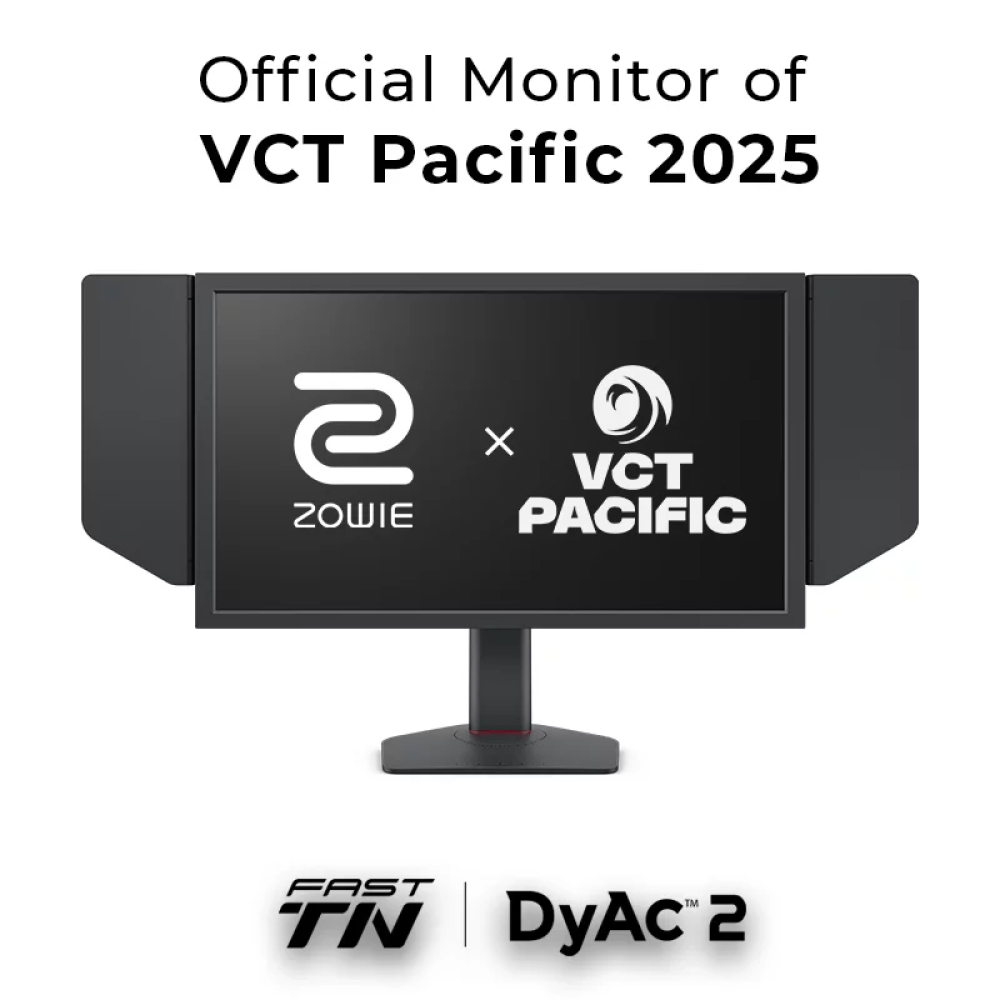
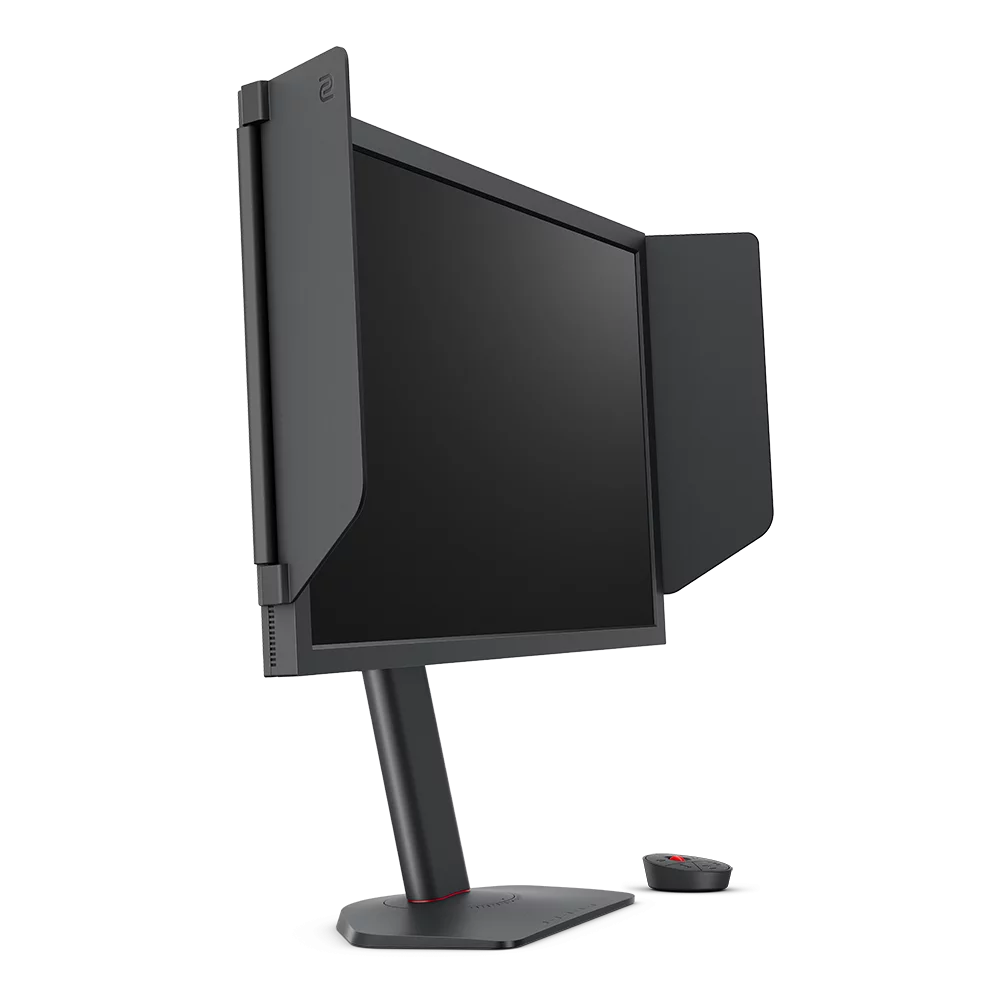
ZOWIE XL2566X+ New Fast TN 400Hz DyAc 2

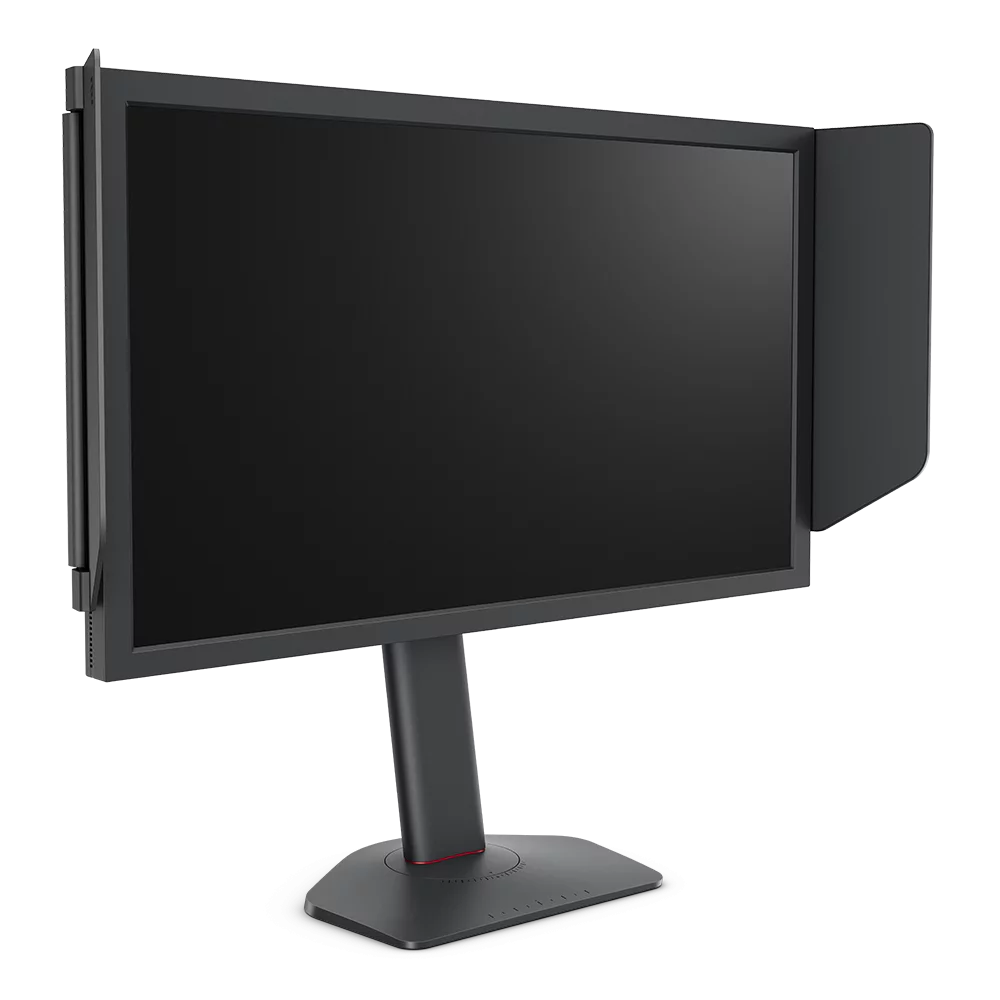

Click Here For More From Brand ZOWIE BY BENQ

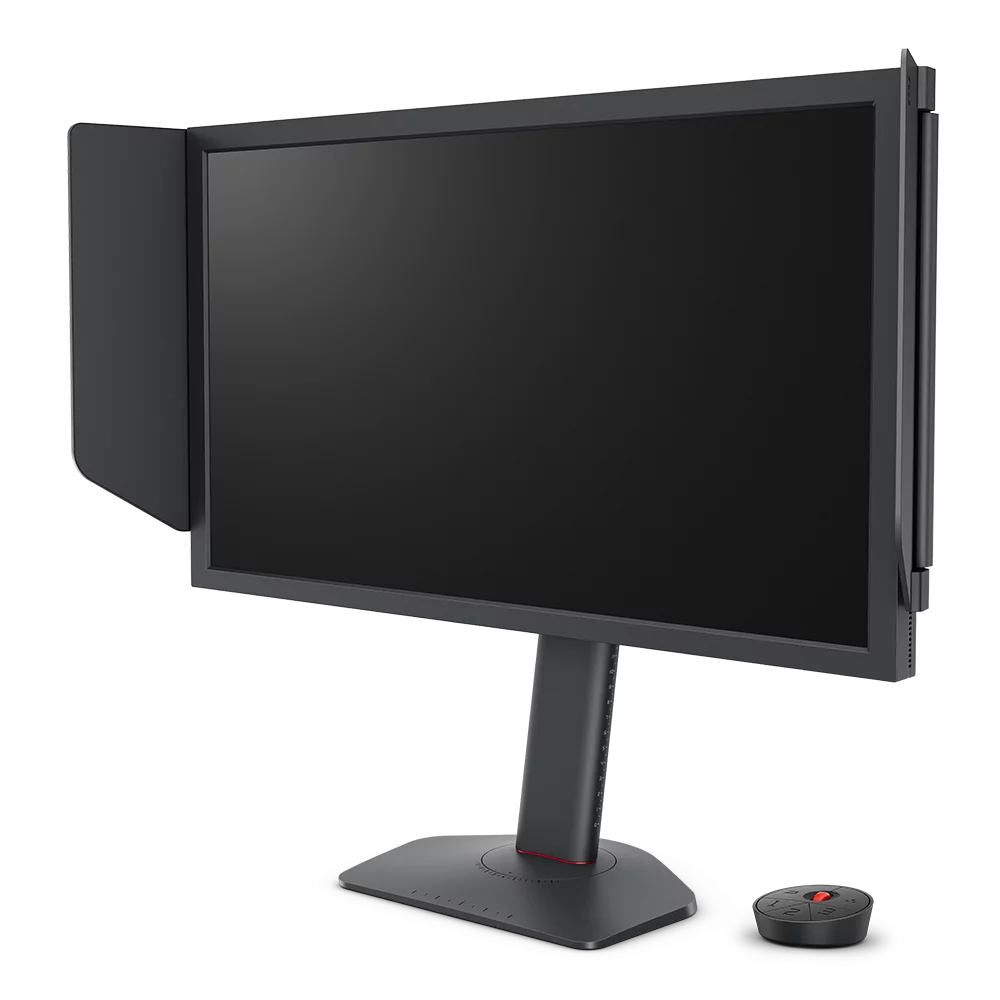
Basic technical specifications:
Additional features:
Overview Unparalleled motion clarity – the number one choice in global shooter tournaments
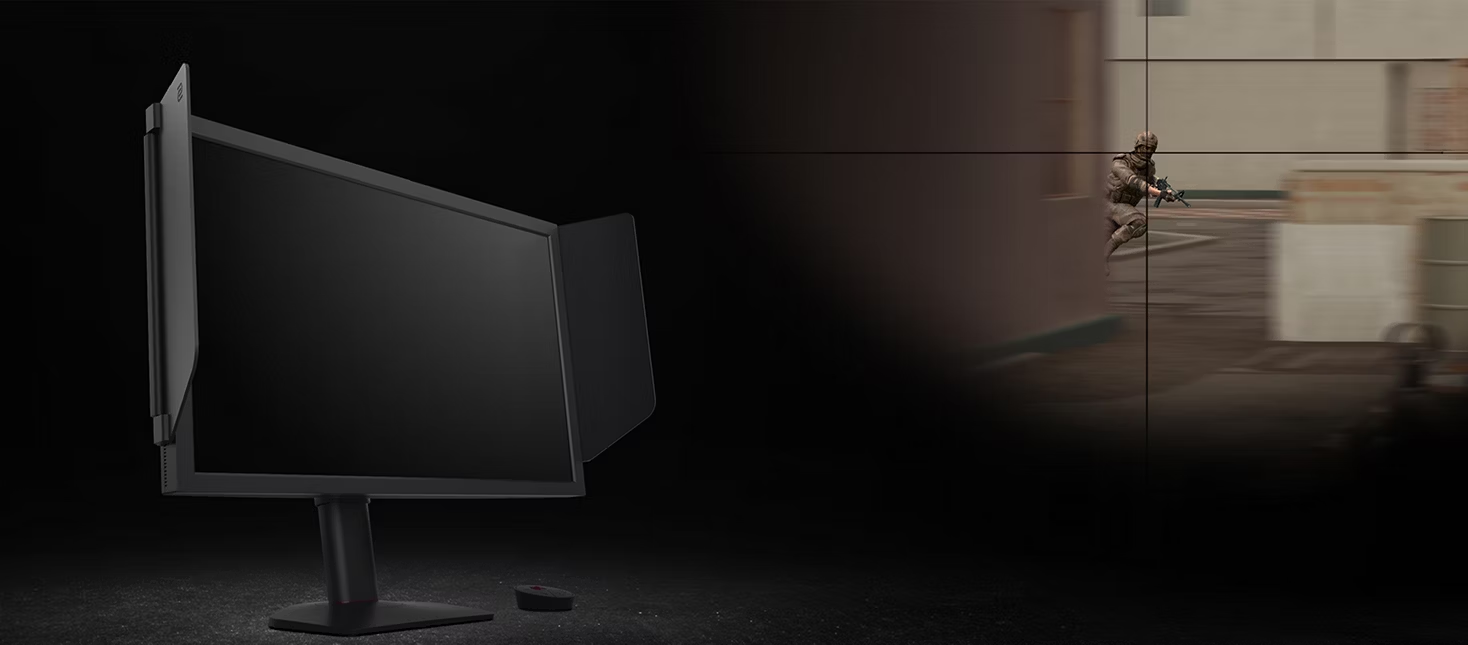
Specially designed for FPS gamers
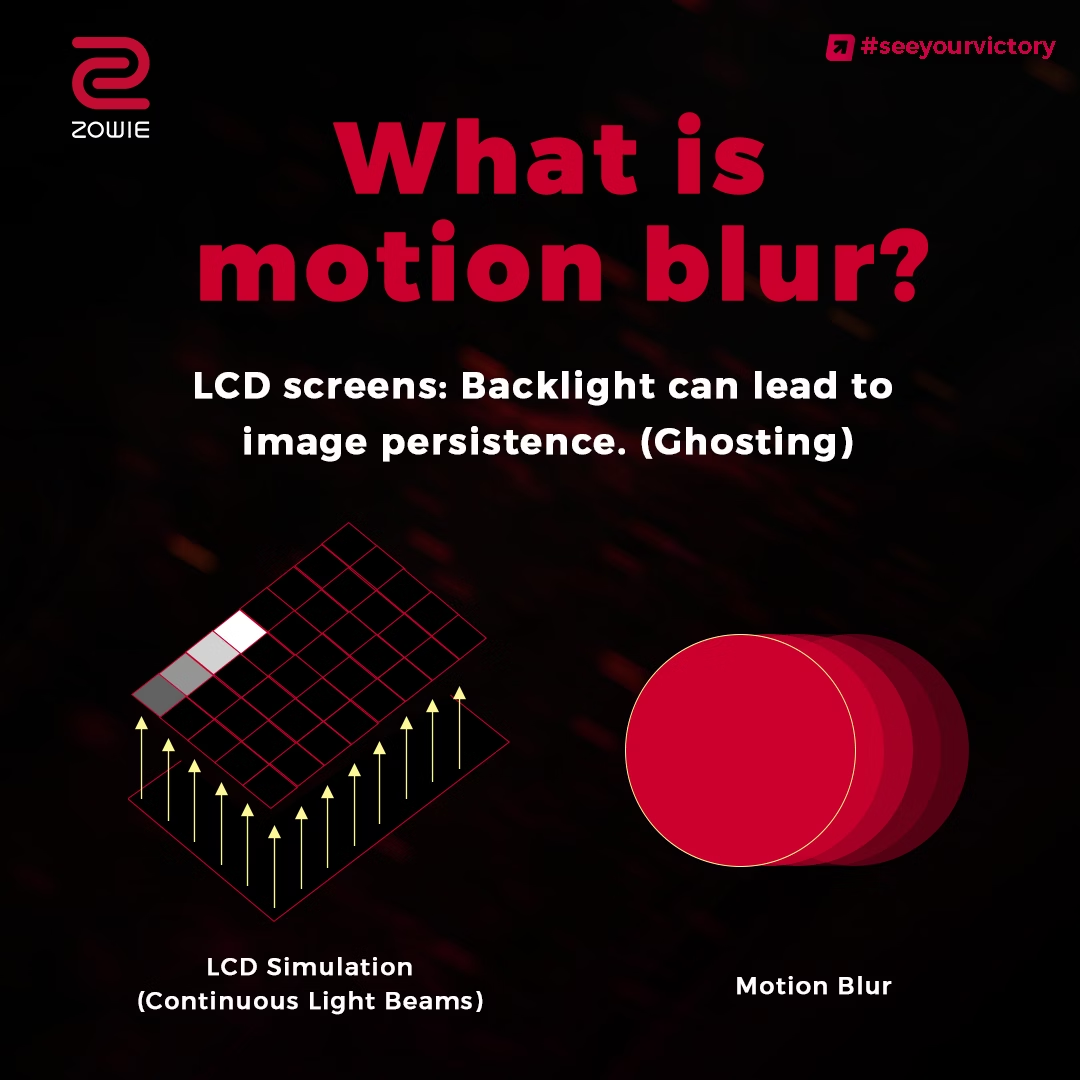
It is specially optimized to reduce motion blur that occurs when objects move quickly, making it difficult to track targets and respond in time.
With a Fast TN panel and DyAc 2 technology, the XL-X+ series gives you clearer, sharper images, helping you track targets accurately and improve your gaming performance.

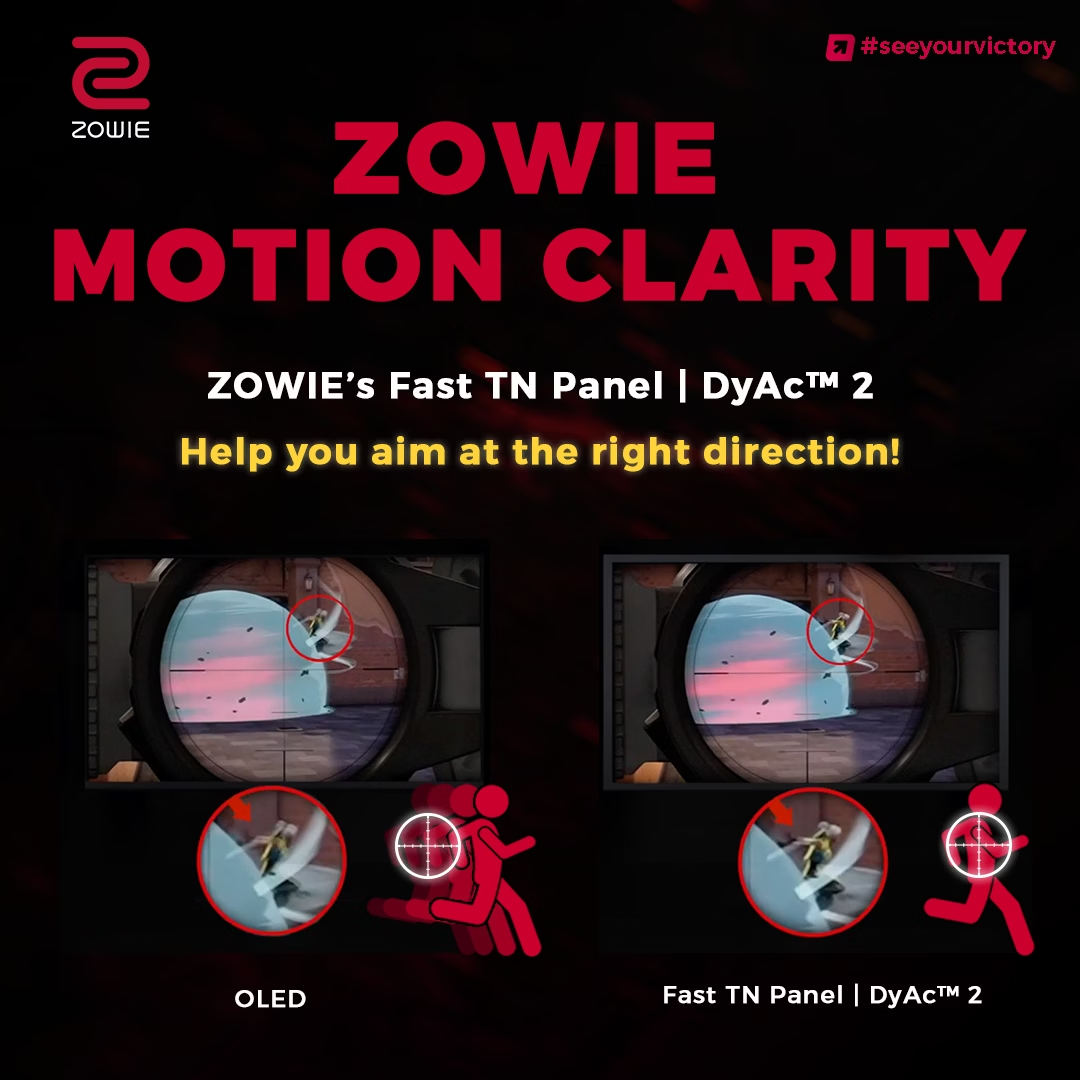
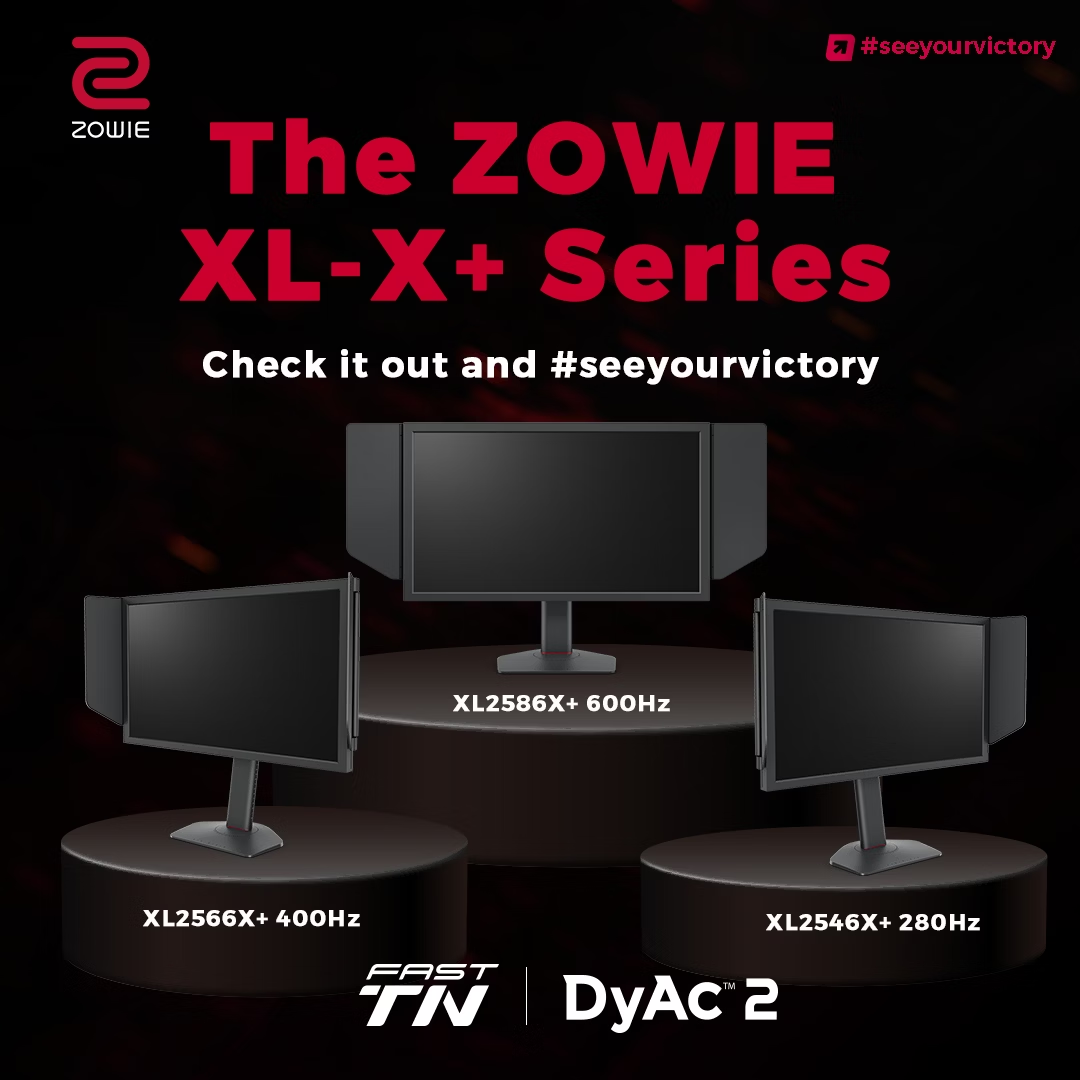
Motion Clarity
Specially designed for FPS gamers
It is specially optimized to reduce motion blur that occurs when objects move quickly, making it difficult to track targets and respond in time.
With a Fast TN panel and DyAc 2 technology, the XL-X+ series gives you clearer, sharper images, helping you track targets accurately and improve your gaming performance.
Best motion clarity for FPS gamers
Compared to any other type of panel, fast TN panels powered by DyAc technology deliver clearer, more focused images, reducing distracting effects such as unwanted ghosting.
The clearest and purest picture on the accuracy of professional players
At popular resolutions like 1280x960 in CS2 and 1920x1080 in Valorant, the Fast TN panel with native FHD resolution delivers superior visual clarity thanks to optimized pixel distribution, making it easier to distinguish enemy details.
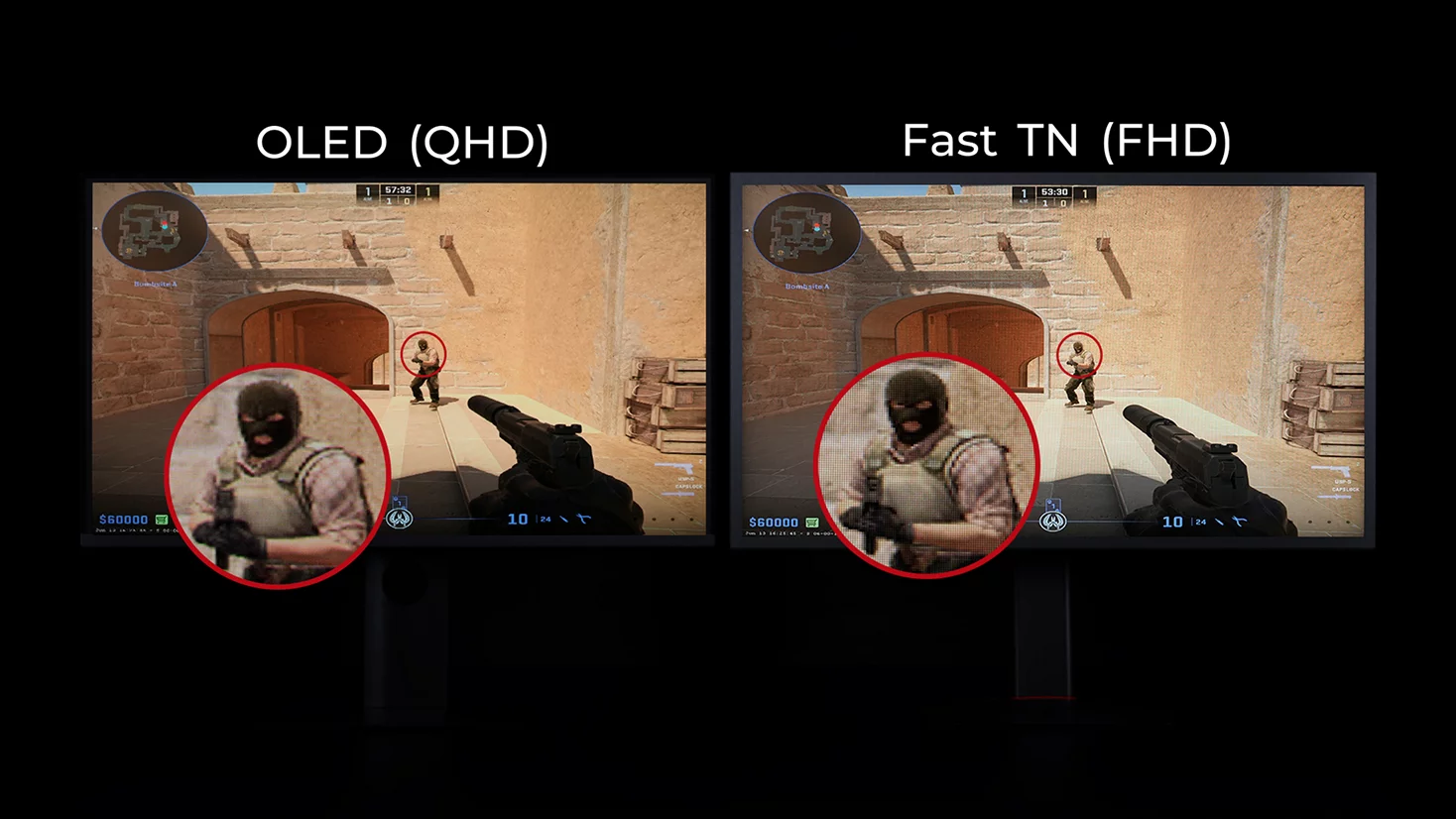
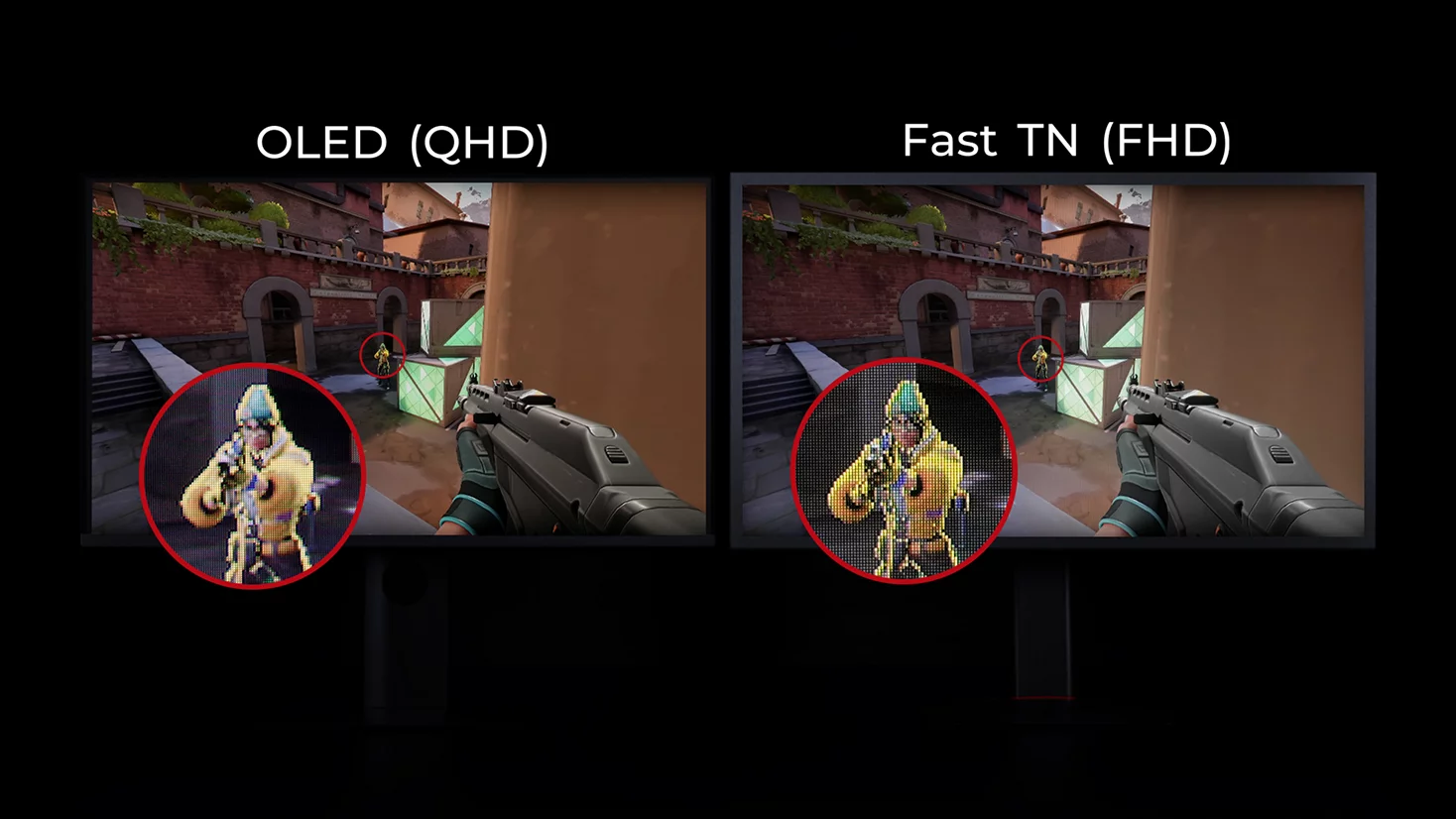
The XL2566X+ has been meticulously redesigned to enhance color performance, delivering more vibrant colors and greater clarity when identifying enemies.
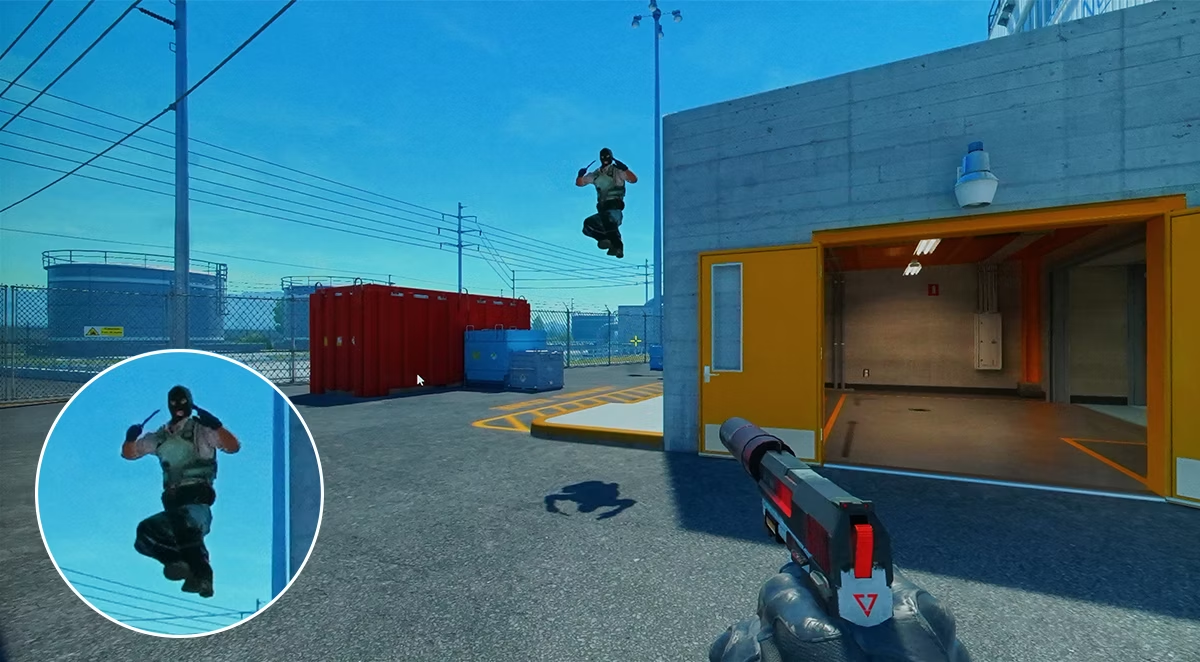 New TN panel
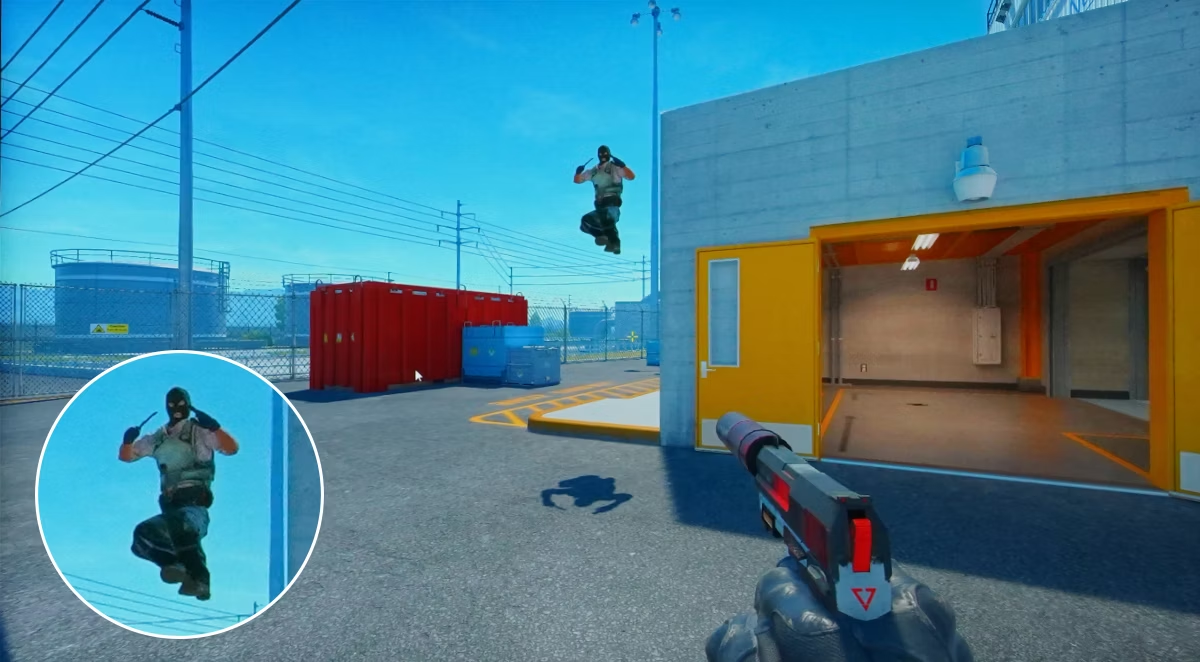
New Auto Game Mode – Automatic color mode adjustment automatically switches color modes based on the screen content, saving you the hassle of adjusting settings and giving you a smooth gaming experience without the need for manual switching.
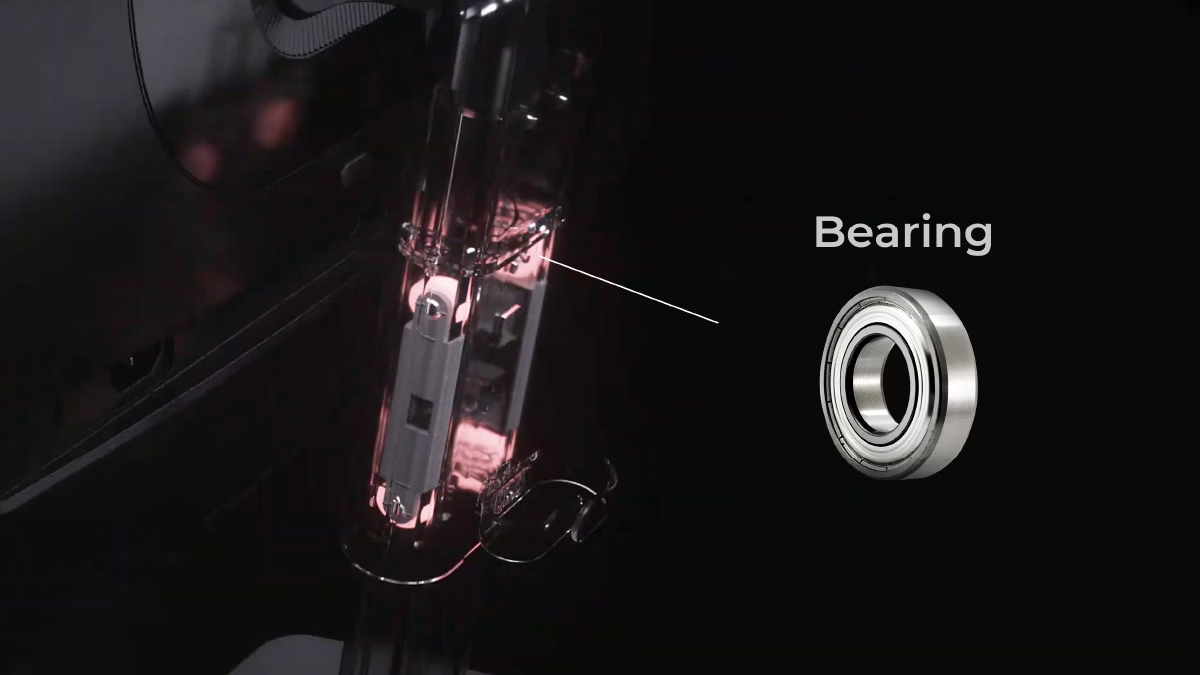
Designed for eSports, the new monitor stand incorporates high-quality industrial bearings into the height adjustment mechanism, making it easy to smoothly and precisely adjust the height to your preference.
Questions and Answers
Q: What are the requirements to run the monitor at 400Hz?
A1: Use the included DisplayPort and DP cable.
The XL2566X+ must be connected to a DisplayPort (1.4) port on your computer, as the DP port provides sufficient bandwidth for 400 Hz operation. The HDMI (2.0) port supports a maximum of 240 Hz. It is recommended to use the DP cable included in the box to ensure compatibility and optimal performance.
A2: Recommended configuration
Display SpecificationsDetailsScreen Size (inches)24.1"Aspect Ratio16:9Maximum Supported Resolution (PC/Laptop)1920 x 1080 @ 400 Hz (DP 1.4)Maximum Supported Resolution (Consoles)1920 x 1080 @ 120 Hz (PS5 / Xbox Series X/S) via HDMI 2.0Refresh Rate400 HzDisplay Area (mm)535.68 x 298.08Pixel Size (mm)0.28Typical Brightness (cd/m²)320Typical Contrast1000:1Panel TypeTNFast Liquid CrystalYes
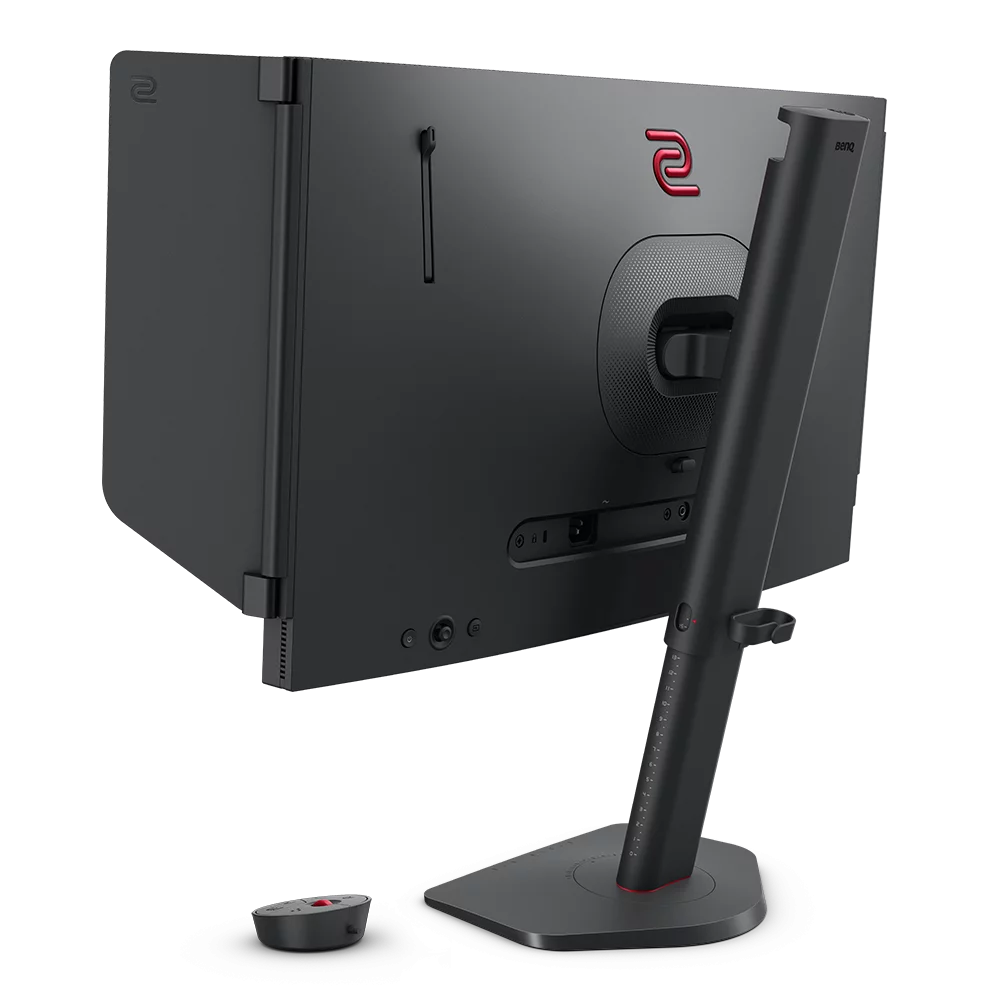
SpecificationsDetailsConnection Inputs/OutputsHDMI 2.0 x3 / DisplayPort 1.4 / Headphone Jack
SpecificationsDetailsPower SupplyCompact Supported Voltage100-240VPower Consumption in OperationLess than 65W
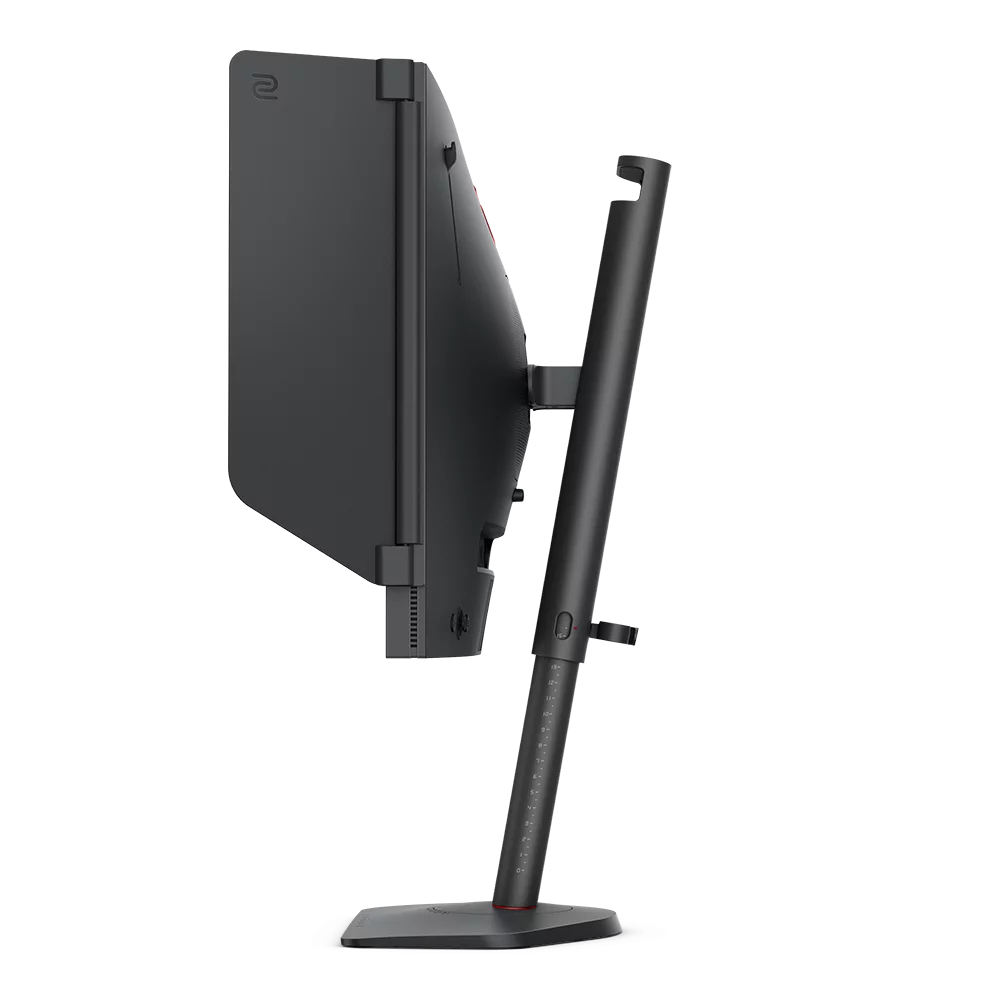
Specifications Details Dimensions (H x W x D) 517 (Top) / 362 (Lowest) x 576 x 209 mm Net Weight 5.8 kg Gross Weight 11.5 kg
SpecificationsDetailsWall Mount (VESA 100x100)Swivel (right/left) 45° / 45°Tilt (up/down) -5° to 35°Height Adjustment 155 mm
Feature Available? Dynamic Clarity (DyAc 2) Yes XL Setting to Share (with Auto Game Mode) Yes Side Shield Yes S Switch Yes Black eQualizer Yes Color Vibrance Yes Low Blue Light Yes Flicker-free Yes (when DyAc 2 is off) Variable Refresh Rate (VRR) Yes (when DyAc 2 is off) K Locker Yes
Accessory DetailsS SwitchYes (5-way)Side CoverYesVideo CableDP 1.4 (1.8m) / HDMI 2.0 (1.8m)Power CableYes (1.8m)